Context

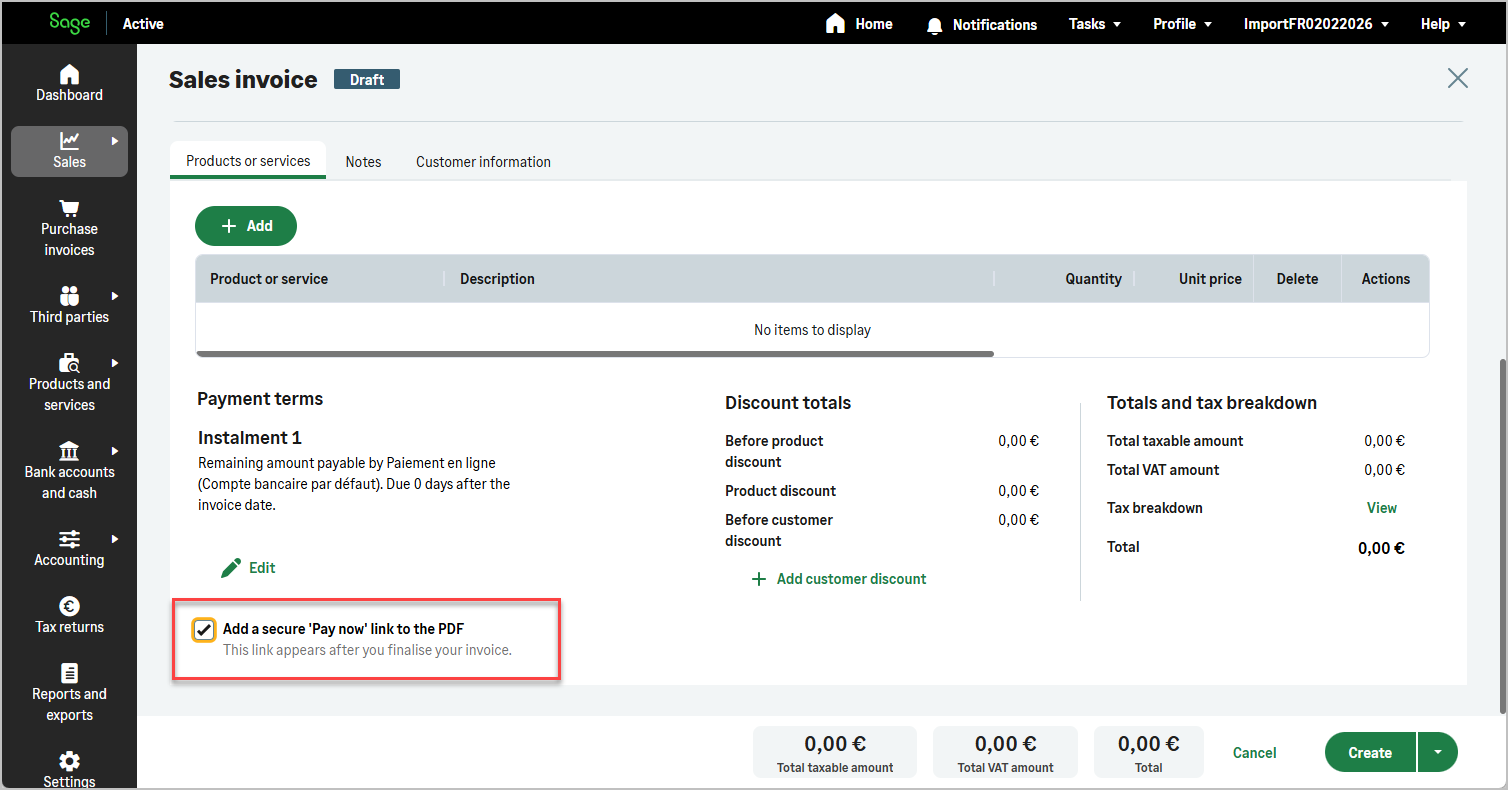
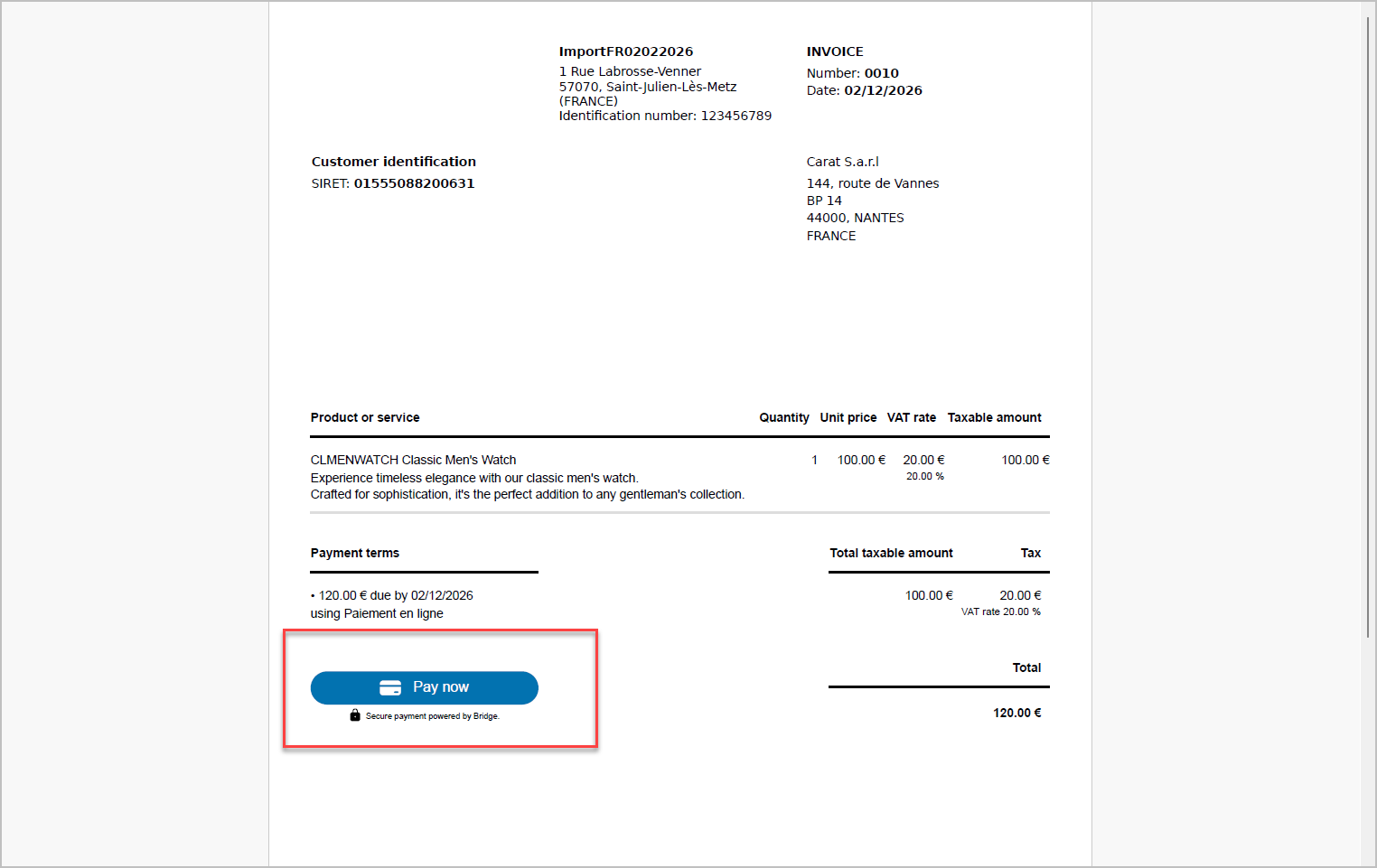
Sage Active allows you to generate a Sales Invoice that includes an online payment link directly inside the generated PDF.

This enables customers to pay their invoice immediately through the configured online payment provider.

The online payment link is generated only if:

  • The Invoice contains a payment condition using an online payment mean
  • This online payment condition is the only payment condition
  • The Invoice is posted
  • canGeneratePaymentLink is set to true
img img

Step 1 – Retrieve the Online Payment Mean

Before creating the Invoice, you must retrieve the Payment Mean configured for online payments.

Only Payment Means with type = PAYMENT_IN can be used to generate an online payment link.

query {
  paymentMeans(
    where: { type: { eq: PAYMENT_IN } }
  ) {
    edges {
      node {
        id
        description
      }
    }
  }
}

Use the returned id to populate paymentMeanId in the Invoice paymentTermLines.

Step 2 – Create the Sales Invoice

The Invoice is created using the standard createSalesInvoice mutation.

Two additional fields must be provided:

Field Type Description
canGeneratePaymentLink Boolean Indicates whether the invoice should generate an online payment link
invoiceEmail String Email address used when sending the invoice with the online payment link

GraphQL mutation

mutation ($values: SalesInvoiceCreateGLDtoInput!) {
  createSalesInvoice(input: $values) {
    id
    operationalNumber
  }
}

Variables

{
  "values": {
    "customerId": "{{customerId}}",
    "canGeneratePaymentLink": true,
    "invoiceEmail": "[email protected]",
    "lines": [
      {
        "productId": "{{firstProductId}}",
        "totalQuantity": 50,
        "unitPrice": 11,
        "firstDiscount": 5
      },
      {
        "productId": "{{secondProductId}}",
        "productName": "specific name",
        "totalQuantity": 4,
        "unitPrice": 22,
        "firstDiscount": 0
      }
    ],
    "paymentTermLines": [
      {
        "paymentMeanId": "{{onlinePaymentMeanId}}",
        "type": "REMAINING_AMOUNT",
        "value": 0,
        "condition": "DAY_OF_PAYMENT",
        "day": 30
      }
    ]
  }
}

Online Payment Authorization Rules

Online payment is authorized only if:

The online payment condition may:

If multiple payment conditions are present, the online payment link will not be generated.

Step 3 – Post the Invoice

The Invoice must be posted before generating the PDF.

Only a posted Invoice can generate a valid online payment link.

Step 4 – Generate or Send the PDF

Once the Invoice is posted, you can:

The generated PDF will contain the online payment link, allowing the customer to pay directly.

Important Behavior