HTTP Operation Type Object
(Query) thirdPartyCodeModeSettings

Description

The thirdPartyCodeModeSettings service allows you to determine how third-party codes are managed for the current organization.

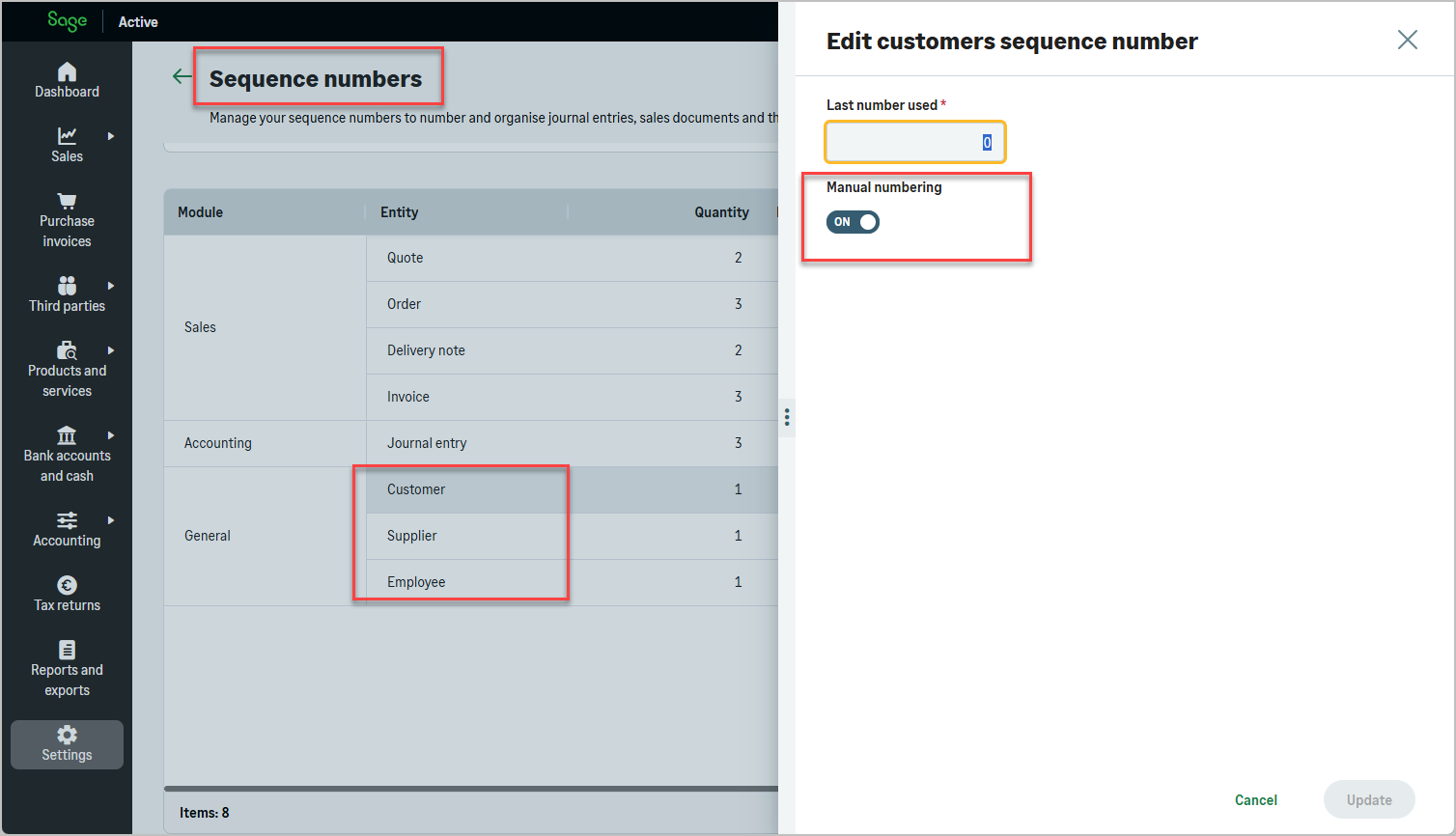
For each third-party type (Customer, Supplier, Employee), this service indicates whether the code must be entered manually by the user or is automatically generated by the system.

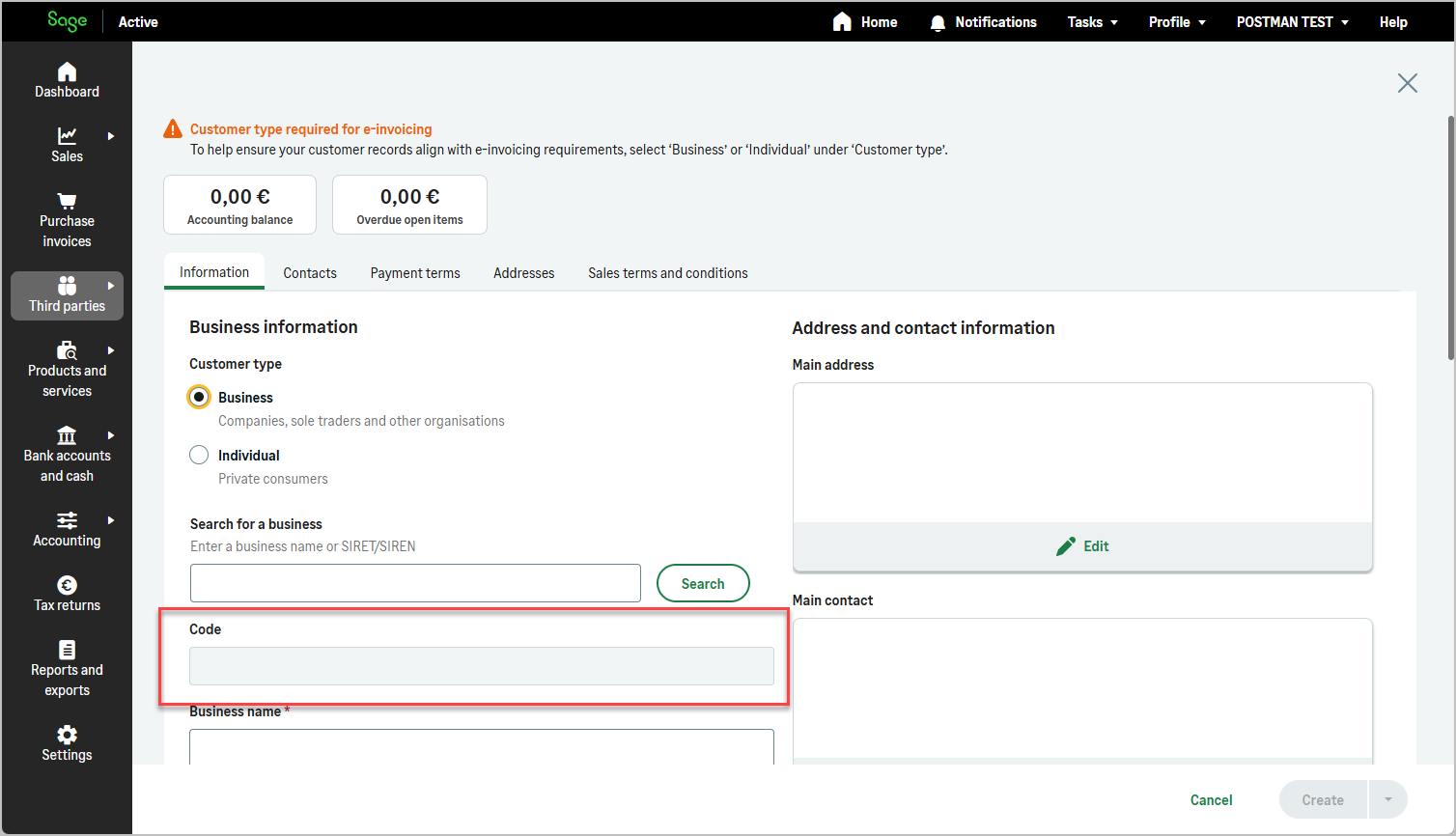
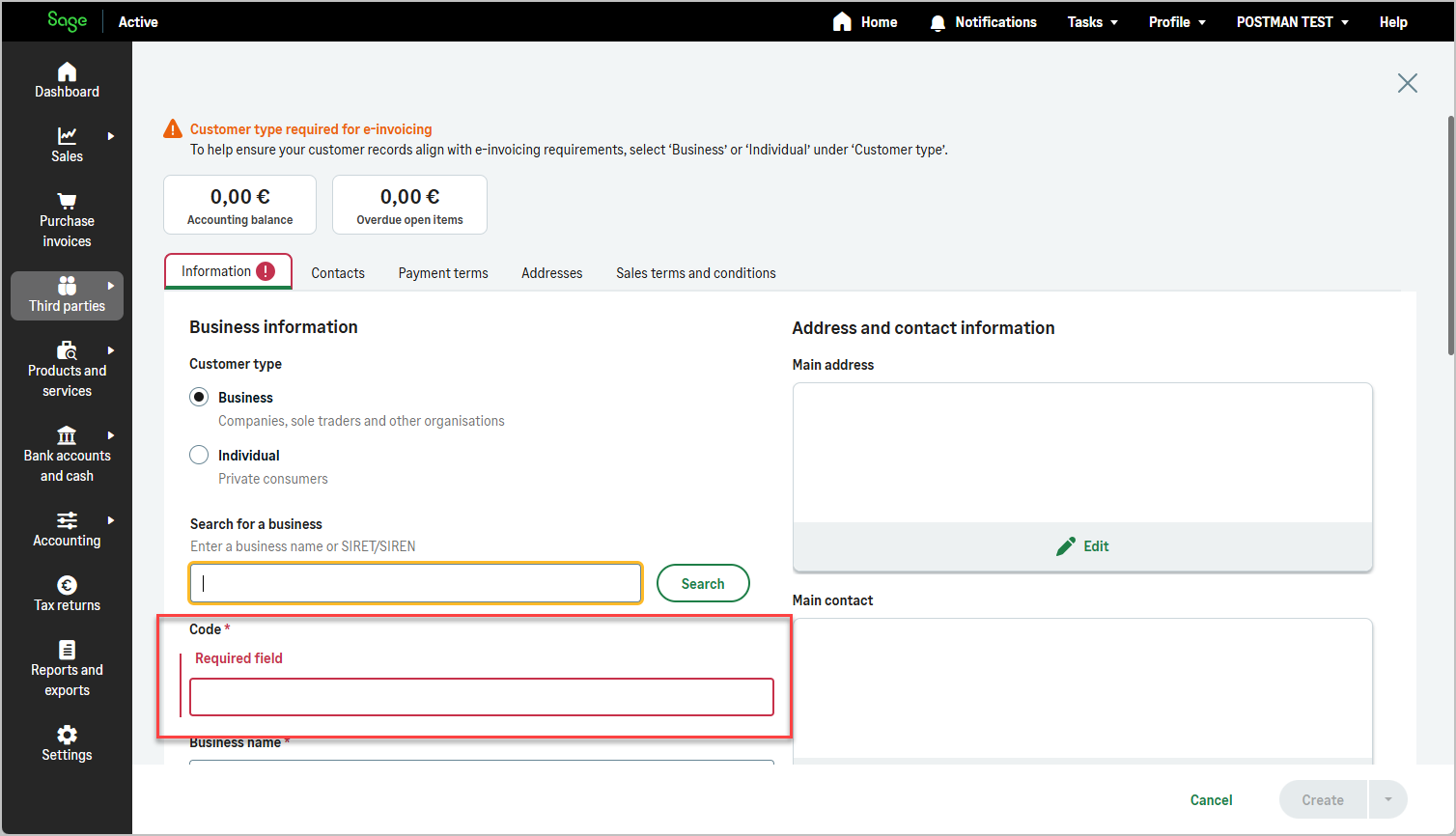
This information is primarily intended for user interface logic, enabling applications to dynamically adapt the behavior of the Code field during third-party creation or edition.

Typical use cases include:

  • displaying the Code field as editable or read-only
  • enforcing mandatory input when manual mode is enabled
  • hiding or disabling the field when the code is auto-generated
Functionality
  • Indicates whether Customer, Supplier, and Employee codes are manual or automatic
  • Enables UI-driven behavior without exposing internal numbering rules
  • Ensures consistent third-party creation across applications
img img img

Key Value
Authorization Bearer Current access Token How to find?
X-TenantId Current tenant id Why deprecated ?
X-OrganizationId Current organization Id How to find?
x-api-key Primary or secondary subscription key of your app How to find?
GraphQL Query
query {
  thirdPartyCodeModeSettings {
    customerCodeIsManual
    supplierCodeIsManual
    employeeCodeIsManual
  }
}
Example Response
{
  "data": {
    "thirdPartyCodeModeSettings": {
      "customerCodeIsManual": false,
      "supplierCodeIsManual": true,
      "employeeCodeIsManual": true
    }
  }
}

thirdPartyCodeModeSettings Response

Fields Type Description
customerCodeIsManual Boolean Indicates whether the customer code must be manually entered
supplierCodeIsManual Boolean Indicates whether the supplier code must be manually entered
employeeCodeIsManual Boolean Indicates whether the employee code must be manually entered
Info
  • When a value is set to true, the corresponding Code field must be provided by the user and should be displayed as editable and mandatory.
  • When a value is set to false, the Code is automatically generated by the system and the field should be read-only or hidden in the user interface.
  • This service does not expose numbering rules or sequences. It only provides behavioral guidance for UI rendering.

When to Call thirdPartyCodeModeSettings?

This service should typically be called:

Because these settings are organization-specific, the service must be executed within the context of the currently selected organization.

Example

If the organization uses automatic numbering for customers but manual codes for suppliers:

  • the Customer Code field should be hidden or disabled
  • the Supplier Code field should be displayed and required

This avoids invalid submissions and ensures a consistent user experience aligned with organization configuration.