This feature is currently under development and, although not available in the current version, its preliminary documentation is provided to give you a preview of the enhancements that will be included in an upcoming update.

HTTP Operation Type Object
Query organizations filtered by id Why?
Query organizations
Query organizationDetail

Description

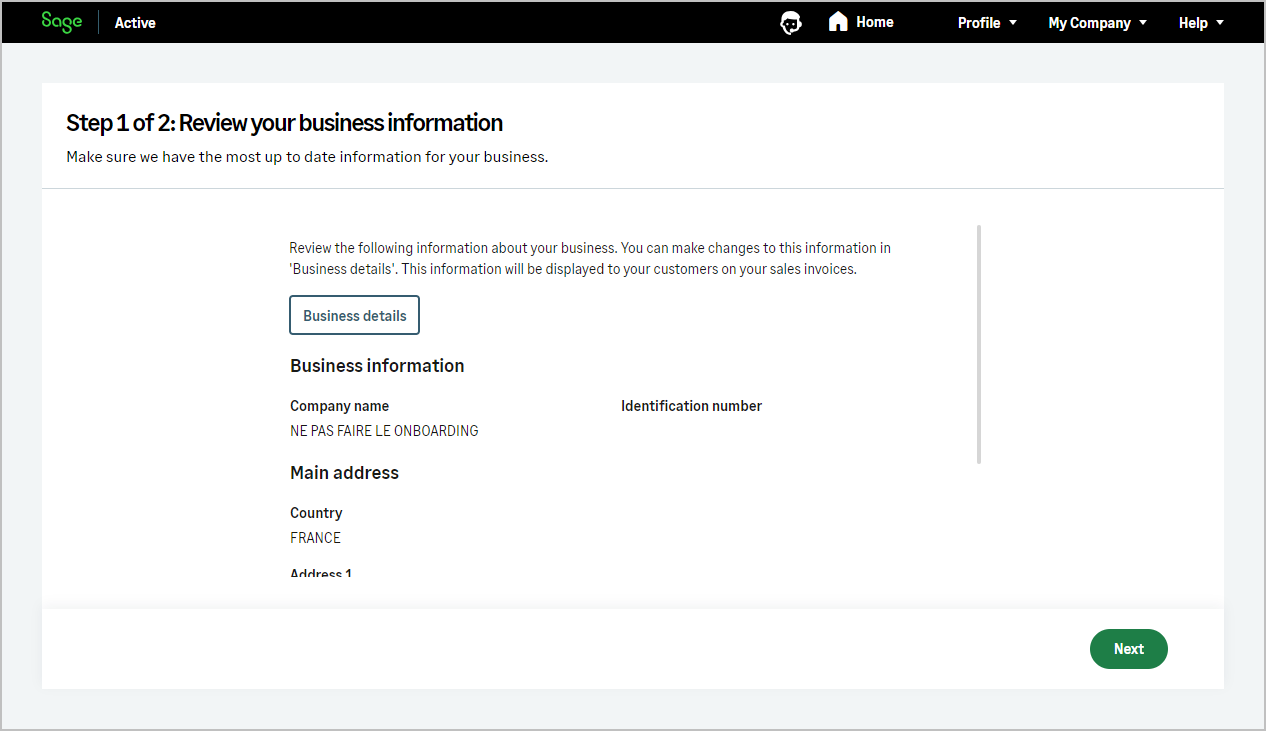
The application can be used to manage different establishments or subsidiaries, called Organization in the API context and Business in the product interface.
Each organization is represented separately within the application, allowing for individualized handling and customization.

The current working organization’s name is displayed in the top right title bar, providing clear context and navigation as you interact with the different aspects of the organization.
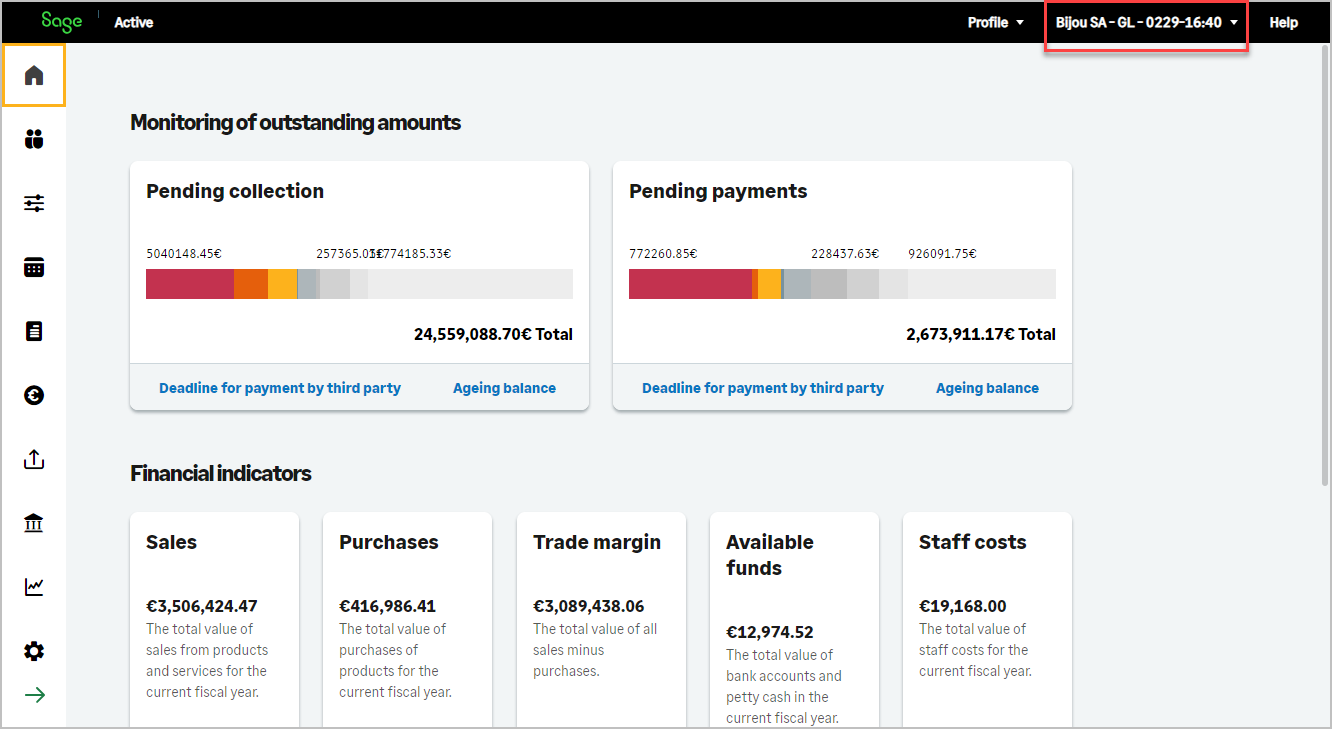
img

The organizations operation lists the Sage Active businesses the current user may access.
Each entry includes the fields needed to select an organization (id, creationDate, modificationDate, onboardingCompleted, onboardingDateCompleted, legislationCode, socialName).
Use the chosen id as X-OrganizationId in the header of organization-specific requests.

organizationDetail returns the full configuration of the organization identified by X-OrganizationId (identification, tax settings, contacts, addresses, and related data).
Call it after selecting an organization from the list.

Migration from the previous organizations behavior

Previously, a single organizations call returned all organization information. That model is replaced by the split above: organizations for listing and selection, organizationDetail for the full record.

To limit breaking changes in existing GraphQL queries, organizations still exposes the same fields as before. Fields that now belong to organizationDetail remain queryable on organizations, but their value is null.

What you need to change

  • No change if you only read fields that organizations still returns with a value (for example id, socialName, legislationCode, onboardingCompleted).
  • Update required if you read other fields from organizations and use their values in your integration. Query organizationDetail instead, with X-OrganizationId set to the organization you selected from the list.
Step 1 — List organizations

No X-OrganizationId header is required (subscription and access token only).

graphQL Query
query {
  organizations {
    edges {
      node {
        id
        creationDate
        modificationDate
        onboardingCompleted
        onboardingDateCompleted
        legislationCode
        socialName
      }
    }
  }
}
Example Response
{
  "data": {
    "organizations": {
      "edges": [
        {
          "node": {
            "id": "a1234567-89ab-cdef-0123-456789abcdef",
            "creationDate": "2024-01-15T10:30:00Z",
            "modificationDate": "2025-03-20T14:00:00Z",
            "onboardingCompleted": true,
            "onboardingDateCompleted": "2024-02-01T09:00:00Z",
            "legislationCode": "FR",
            "socialName": "Demo Company1"
          }
        },
        {
          "node": {
            "id": "b2345678-89ab-cdef-0123-456789abcdef",
            "creationDate": "2024-06-10T08:00:00Z",
            "modificationDate": "2025-01-05T11:30:00Z",
            "onboardingCompleted": true,
            "onboardingDateCompleted": "2024-07-01T10:00:00Z",
            "legislationCode": "FR",
            "socialName": "Demo Company2"
          }
        }
      ]
    }
  }
}

Pick the id of the organization you want to work with, for example the second entry above, and set it as X-OrganizationId in the request headers.

Step 2 — Read organizationDetail

Add X-OrganizationId (and the usual subscription headers) to read the full organization configuration.

graphQL Query
query {
  organizationDetail {
    edges {
      node {
        documentId
        documentTypeId
        vatNumber
        nafApeCode
        vatCriterion
        currencyId
        emailSubject
        emailMessage
        sendEmailCopy
        #... other fields
      }
    }
  }
}
Example Response
{
  "data": {
    "organizationDetail": {
      "edges": [
        {
          "node": {
            "documentId": "123456789",
            "documentTypeId": "01234567-89ab-cdef-0123-456789abcdef",
            "vatNumber": "FR11123456789",
            "nafApeCode": "6201Z",
            "vatCriterion": false,
            "currencyId": "11234567-89ab-cdef-0123-456789abcdef",
            "emailSubject": "Invoice from Demo Company ES",
            "emailMessage": "Please find attached your invoice.",
            "sendEmailCopy": true
            //... other values
          }
        }
      ]
    }
  }
}

organizations

Key Value
Authorization Bearer Current access Token How to find?
x-api-key Primary or secondary subscription key of your app How to find?

organizations

Fields Type Description Length
id UUID Id  
creationDate DateTime Creation date  
modificationDate DateTime Modification date  
       
onboardingCompleted Boolean Indicates if the onboarding is completed.  
onboardingDateCompleted DateTime Date when the onboarding was completed  
legislationCode String Compliance with the legislation of the organization  
socialName String Business name 50
Info

  • onboardingCompleted: Indicates whether the onboarding process for the organization has been fully completed.
    The API automatically checks this flag before allowing interactions with the organization’s data.
    If the flag is false, the organization id will be set to an empty GUID, preventing any use of the organization with the public API.

img

  • legislationCode: FR, ES, DE or PT. This variable can be used if your application needs to work for different legislations, to account for the differences between them. Please note that this cannot be set during the organization creation process as the organization inherits the legislation from the tenant.

organizationDetail

Header

Key Value
Authorization Bearer Current access Token How to find?
X-TenantId Current tenant id Why deprecated ?
X-OrganizationId Current organization Id How to find?
x-api-key Primary or secondary subscription key of your app How to find?

organizationDetail

Fields Type Description Length
documentId String Identification number 14
documentTypeId UUID Id document type  
useWithholdingForSales Boolean Indicates whether withholding tax is applied on sales  
useWithholdingTaxTreatmentId UUID Tax treatment used for sales withholding tax  
nafApeCode String NAF/APE Code 7
vatNumber String Intracommunity VAT number 25
useThirdPartyBilling Boolean Indicates whether third-party billing is used  
thirdPartyBillingName String Third-party billing name  
thirdPartyBillingVatNumber String Third-party billing VAT number  
vatCriterion Boolean Enable Cash VAT  
datevConsultantNumber Int DATEV consultant number.  
datevClientNumber Int DATEV client number.  
taxAuditExportNotes String Notes related to tax audit export. 150
       
currency Currency Fields of Currency  
currencyId UUID Currency ID  
       
contacts[] Array Contacts organization  
addresses[] Array Addresses organization  
taxOfficialModelsOrganization[] Array List of taxOfficialModel  
       
emailSubject String The text that appears in the email header and provides an overview of the message content. 200
emailMessage String The text that appears in the email body 2500
sendEmailCopy Boolean Define if a copy email is send  
Info
  • documentTypeId : Id of an allowed document type, values are different depending on legislationCode
    CountryAcronym Allowed document types (code name)
    FR 01 SIREN / SIRET
    CountryAcronym Allowed document types (code name)
    ES 01 NIF/DNI
    CountryAcronym Allowed document types (code name)
    DE 01 Steur-IdN
    CountryAcronym Allowed document types (code name)
    PT 01 NIF
  • documentId : Identification number, please note that each organization has a unique value.
    • SIREN of 9 characters or any SIRET of 14 characters.
    • valid NIF number.
    • Steur-Idn of 11 characters
    • (PT content to be validated with product team)
  • useWithholdingForSales
  • useWithholdingTaxTreatmentId
    • Unused.
    • useWithholdingForSales: Indicates whether withholding tax (IRPF) must be applied on sales documents for the organization. When enabled, sales invoices may include withholding tax according to Spanish fiscal rules.
    • useWithholdingTaxTreatmentId: Defines the default tax treatment used to apply sales withholding tax when useWithholdingForSales is enabled.
    • Unused.
    • Unused.
  • vatCriterion : Enable Cash VAT.
    • When registering your business and depending on its type of activity, you can configure the type of VAT that will be automatically taken into account when performing entries.
    • Not used (only for France and Germany)
    • When registering your business and depending on its type of activity, you can configure the type of VAT that will be automatically taken into account when performing entries.
    • When registering your business and depending on its type of activity, you can configure the type of VAT that will be automatically taken into account when performing entries.
  • useThirdPartyBilling,
  • thirdPartyBillingName,
  • thirdPartyBillingVatNumber:
    • Unused for the French market
    • Unused for the Spanish market
    • Unused for the German market
    • (PT content to be validated with product team)
  • datevConsultantNumber,
  • datevClientNumber,
  • taxAuditExportNotes:
    • Not used (only for german legislation)
    • Not used (only for german legislation)
    • datevConsultantNumber: This is the identification number of the DATEV consultant. It is assigned to the tax advisor or accounting firm managing a company’s accounting within DATEV, a widely used software in Germany.
    • datevClientNumber: This field represents the DATEV client identification number. It is assigned to each company registered in DATEV and helps associate accounting entries and financial transactions with the correct organization in the system.
    • taxAuditExportNotes: This field allows adding specific notes to tax audit exports. These notes can be used to include accounting or regulatory details relevant to the organization when generating export files.
    • Not used (only for German legislation)

organizationDetail/addresses

Fields Type Description Length
id UUID Id  
creationDate DateTime Creation Date  
modificationDate DateTime Modification Date  
       
countryId UUID Country Id  
country Country Fields of Country  
countryIsoCodeAlpha2 String Country Code 2
countryName String CountryName  
name String Code 50
firstLine String First Line 35
secondLine String Second Line 35
city String Town 35
zipCode String Postal Code 9
province String Province / Region / Federal State 25
Info
  • countryIsoCodeAlpha2 : ISO2 country code.
    This field can be used for creation and serves as a simple alternative to assign the country of the address by using the ISO2 code directly, rather than the country ID in the Countries resource.

organizationDetail/contacts

Fields Type Description Length
id UUID Id  
creationDate DateTime Creation Date  
modificationDate DateTime Modification Date  
       
isDefault Boolean Main contact (not filterable or sortable)  
courtesy
  • NONE
  • BLANK
  • MISS
  • MR
Courtesy  
name String First name (John) 35
surname String Family name (Smith) 35
jobName String Job name 35
jobArea JobArea Fields of JobArea  
jobAreaId UUID Job areas Id  
emails[] Array List of emails  
phones[] Array List of phones  
socialMedias[] Array List Social Networking  

organizationDetail/contacts/emails

Fields Type Description Length
id UUID Id  
creationDate DateTime Creation Date  
modificationDate DateTime Modification Date  
       
emailAddress String Email address 70
usage
  • EMPTY
  • INVOICES
  • NOT_SET
  • OTHERS
  • PAYMENTS
Type  
isDefault Boolean Main mail  

organizationDetail/contacts/phones

Fields Type Description Length
id UUID Id  
creationDate DateTime Creation Date  
modificationDate DateTime Modification Date  
       
number String Phone 20
type
  • EMPTY
  • FAX
  • LANDLINE
  • MOBILE
  • NOT_SET
  • SKYPE
  • WHATS_APP
Type  
isDefault Boolean Main phone  

organizationDetail/contacts/socialMedias

Fields Type Description Length
id UUID UUID  
creationDate DateTime Creation Date  
modificationDate DateTime Modification Date  
       
name String Name 30
link String Link 100

organizationDetail/taxOfficialModelsOrganization

Fields Type Description Length
id UUID Id  
creationDate DateTime Creation Date  
modificationDate DateTime Modification Date  
       
initialDate DateTime Start date  
finalDate DateTime End date  
periodicity
  • NONE
  • ANNUAL
  • DAILY
  • MONTHLY
  • QUARTERLY
Periodicity  
territory
  • NONE
  • COMMON
  • STATE
Territory  
description String Description 200